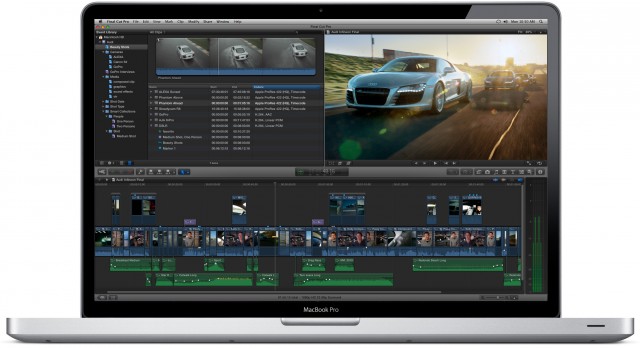
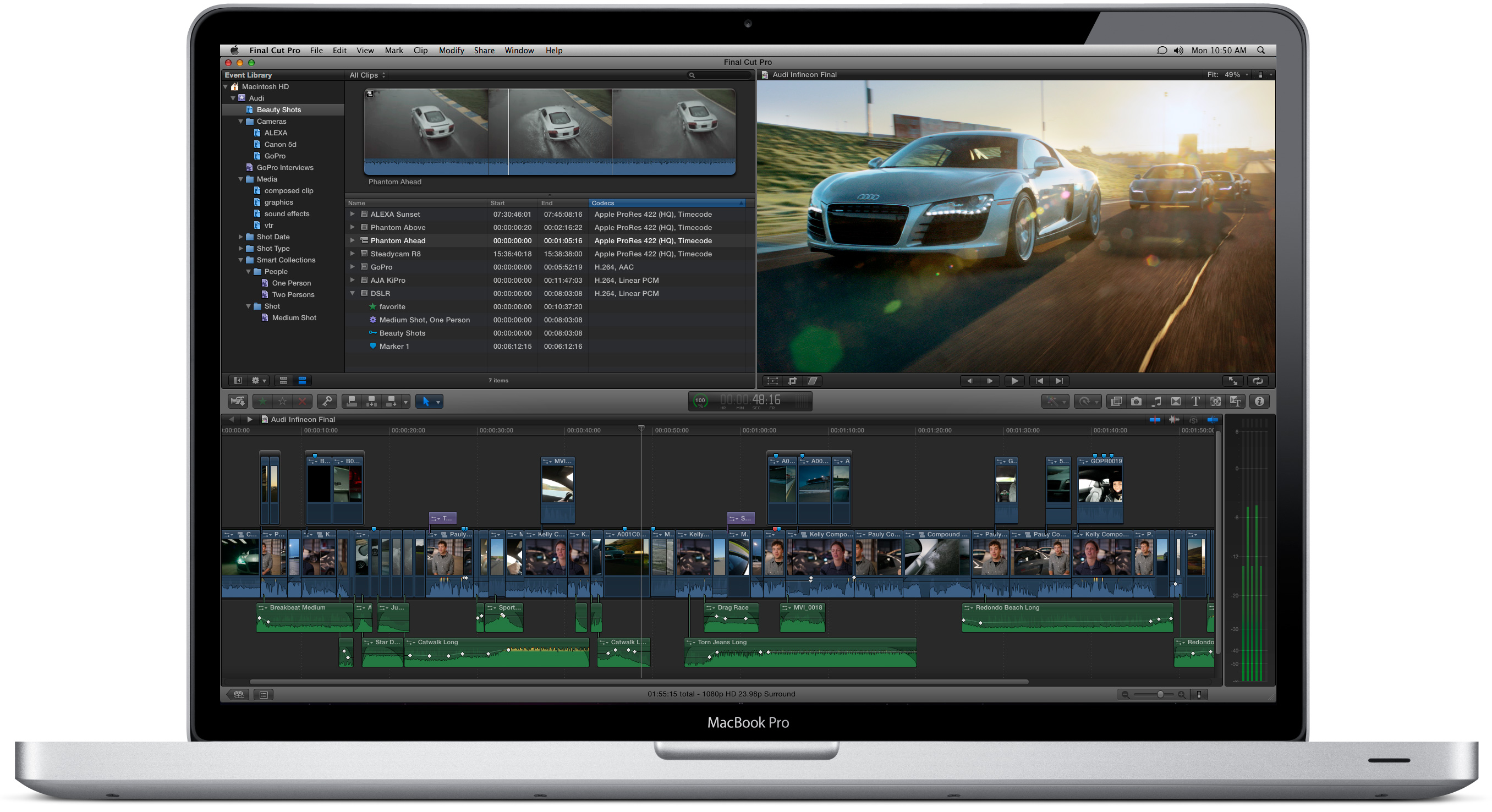
FxFactory 4.0 is now available and adds support for Adobe Premiere Pro. The plug-in management program has been a great tool for using with FCP X, Motion, FCP 7 and After Effects; however, the one video editing program that I use the most hasn’t been supported and, as a result, I’ve not been able to take advantage of so many cool video plug-ins. But now it is.
FxFactory 4.0 is a free download and there are a few free plug-ins that are available with it. Additional plug-ins are available for trial and purchase with integration inside of FxFactory.
Tokyo Split Animator is a plugin for Final Cut Pro X that offers 19 split screen templates. It allows you to animate-in and animate-out multiple clips; however, as you can see the above video, it also works quite well with multicam footage (something that works extremely well in FCP X) by easily allowing you to show all angles at once with a split screen animation.
Industrial Revolution’s XEffects Tech Transitions is a plug-in for Final Cut Pro X that features 30 stylized transitions that work from within the FCP X transitions panel. Check out the following demo video for a taste of several of the available transitions: [click to continue…]
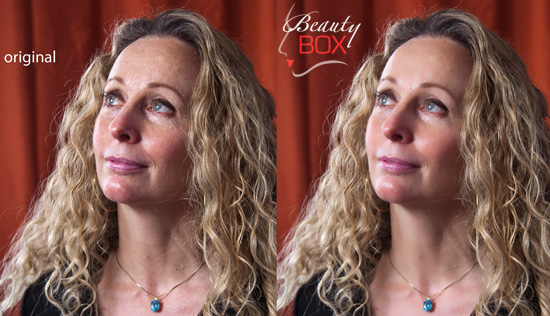
Digital Anarchy has announced Beauty Box Video 2.0, which is a video plug-in for smoothing and retouching skin in the major NLEs. In addition to compatibility with After Effects 7.0–CS6, Final Cut Pro X, Final Cut Pro 7, and Premiere Pro CS4–CS6, version 2.0 adds support for Assimilate Scratch, Scratch Lab, Sony Vegas Por and Movie Studio.
Beauty Box Video 2.0 retails for $199, but is available for $149 through July 15, 2012.
Singular Software unveiled PluralEyes 3 back at NAB 2012. If you aren’t familiar with PluralEyes, it is a audio syncing program that took the HDSLR video editing world by storm a couple of years ago. Read my PluralEyes review from 2010.
Some NLEs, like FCP X, offer syncing capabilities in the box; however, it’s not near as full-featured as what you can do with PluralEyes 3. I caught a brief demo of it and the sync speed with tons of clips is remarkable. Additionally, the interface is not near as clunky as the older versions. If you want to give it a try, the free beta for PluralEyes 3 is now open.
Right now, it’s only available for OS X 10.7 and will work with FCP 5/6/7 and FCP X 10.0.4 and Premiere Pro CS5/5.5/6. Media Composer is not supported in this iteration of the beta release.
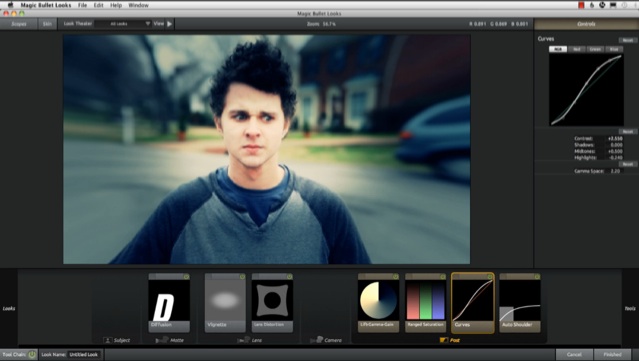
I neglected to note this last week when I wrote about the Final Cut Pro X version 10.0.3 upgrade; however, one of the many fixes provided in the update was a hurdle that Red Giant had with implementing Magic Bullet Looks in Final Cut Pro X.
I’ve been using Magic Bullet Mojo with FCP X since it was released. Simple, clean and smooth integration with the FCP X interface. Now that Looks is integrated with FCP X, I’ll be using it on some upcoming projects. In what little I’ve played around in it, I’ve been overly pleased with the interface. I’ll let you know if there are any problems as I use it more, and I welcome your thoughts as well. So far though, so good.
Magic Bullet Looks is only $199 through tomorrow, Feb. 7 (that’s half off). Coupon code LOOKSFCPX50 required. The FCP X Looks upgrade is free for existing Looks users.